Workflow
This page is used to view and manage workflows.
Purpose
Not to be confused by the term in the documentation, that is also refered to as workflow. The workflow page is also a page inside the application. The page is used to do multiple functions that usually takes multiple steps in one action. At the moment there are two workflows available linked to the process of printing cards.
Who can access this page
The page is accessible to people who have these permissions:
- Card printer permissions
- Approve or decline permissions on card requests
- Read permissions on card requests
You can not see the page if you dont have any of the permissions above and you might only be able to use one of the workflows if not all the permissions are added to the respective person trying to use this page.
Page laout
When navigating to workflows you will be greeted by a page with two available workflows. One where you can print cards for many people at once and one where you can approve many card requests and print those approved cards.
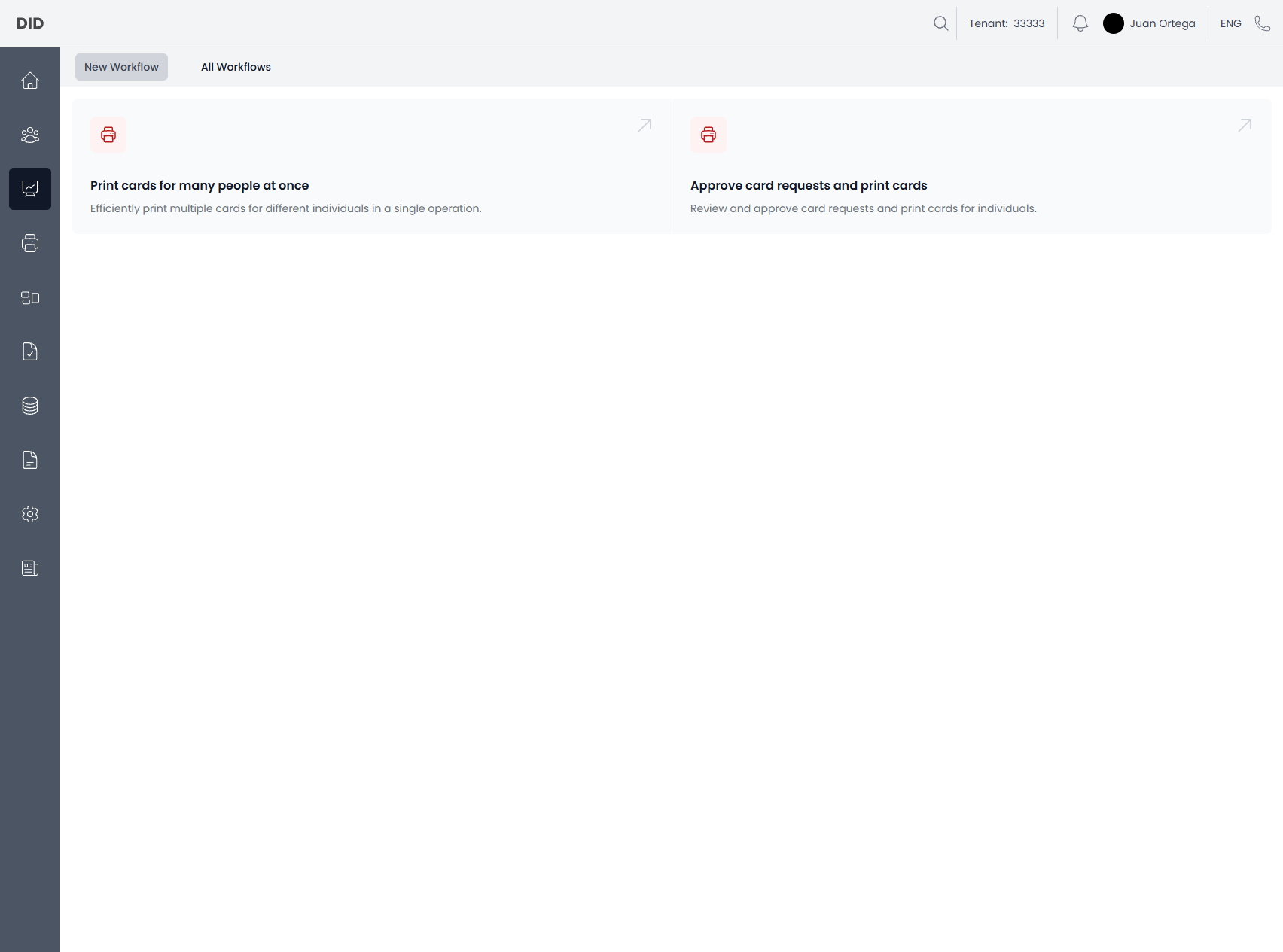
In the top there will be two sections
New workflow
Here you will be able to start one of two workflows, that, when pressed, will guide you through some steps to start the flows, and the application will finish them in the background. You will be notified once completed.
Workflows
- Print cards for multiple people.
- Approve card requests and then print those cards.
All Workflows
Here you will be able to see all the workflows that have been started and their state, where you can see what status they are in.
Common usage notes
- You might not be able to print for all persons, due to missing permissions to the organization where they are placed.
- You might not be able to do both workflows without the correct permissions.
- The workflows should be live updating, but sometimes you might have to refresh to get the latest states of the workflows.